 Canvers Media
The Three Things That Actually Make Phone Video Look Professional
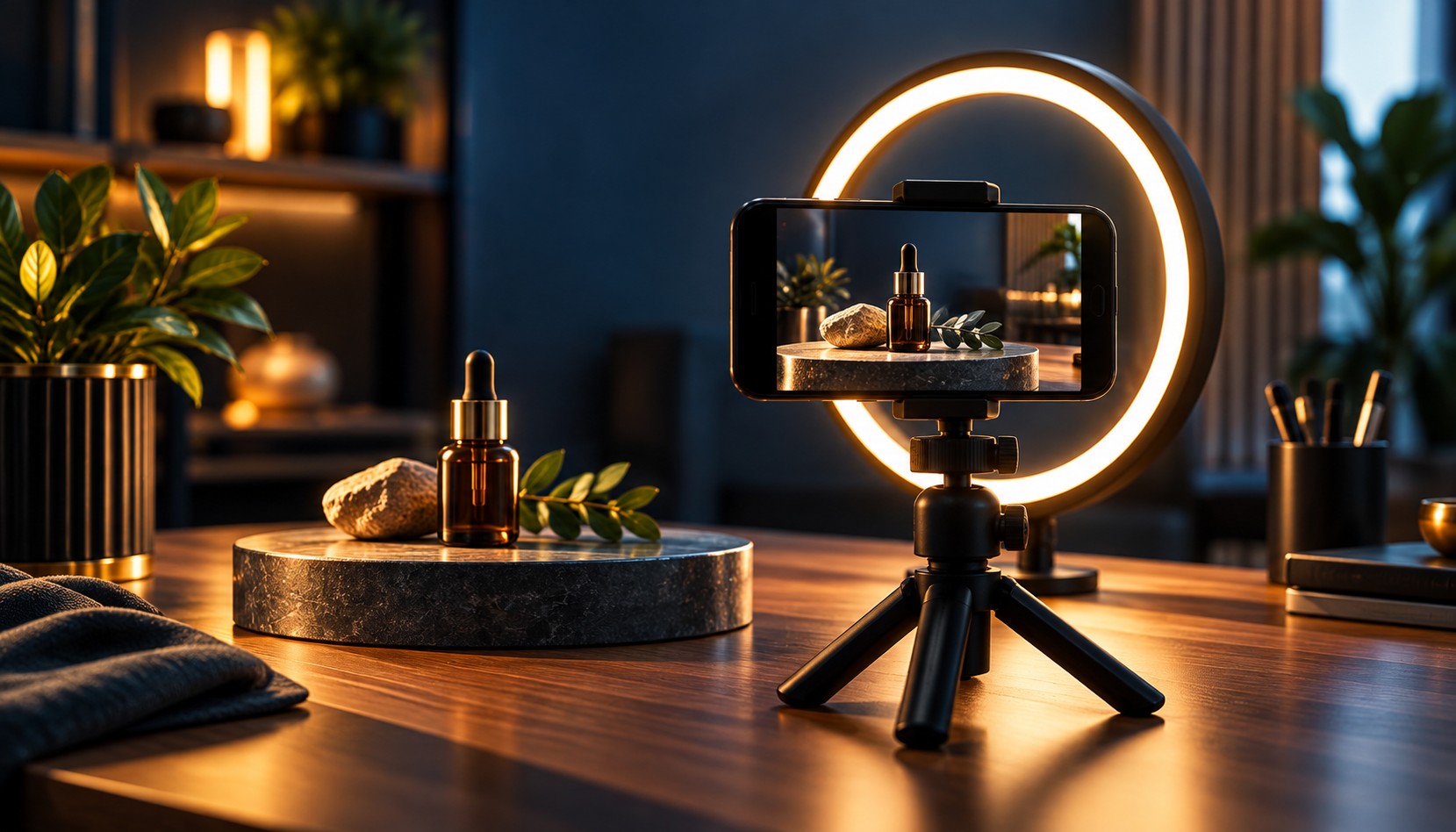
Most small business owners assume they need a real camera to make video content that looks good, so they either avoid video entirely or hire someone expensive for a single shoot. The truth is that today's phones already capture sharp, clean footage. What actually separates amateur looking clips from professional ones has almost nothing to do with the camera itself.
Light Matters More Than the Lens
A phone camera can only work with the light it's given, and most bad looking videos are a lighting problem, not a camera problem. Film facing a window instead of standing with your back to it, and avoid sitting directly under a single overhead light, which creates harsh shadows under the eyes. If the window light feels too bright or sharp, a sheer curtain works as a simple, free diffuser.
Audio People Can Actually Hear
Viewers forgive slightly soft video far more easily than they forgive bad sound. The built-in phone mic picks up room echo, hums from appliances, and background noise that your ear tunes out but a microphone does not. Record in a smaller room with soft surfaces like curtains or carpet rather than an empty tiled space, and if you talk on camera often, a basic clip on lapel mic costs very little and makes a noticeable difference.
Keep the Frame Steady
Shaky footage reads as unprofessional even when everything else is right, and fixing it does not require expensive gear.
- Prop the phone against books, a mug, or a cheap tripod instead of holding it for long shots
- Shoot landscape for anything meant for a website or YouTube, and vertical only for Stories or Reels
- If you must hold the phone, tuck your elbows in against your body to reduce natural shake
- Walk closer to the subject instead of using digital zoom, which makes shake far more visible
A Shot List That Actually Gets Used
Business owners rarely run out of ideas, they run out of a simple plan on filming day. A short list of four clips works for most service businesses: a ten second owner introduction, a quick before and after or process shot, a short customer or team testimonial, and a behind the scenes moment of real work happening. Each clip only needs to run fifteen to thirty seconds. When editing, the simplest improvement is trimming dead air and cutting the first and last few seconds of every clip, since that is usually where people pause before speaking. Good phone video is less about equipment and more about paying attention to three basic things every single time you hit record.